TABLEREAD / PRIVATE BETA
Your screenplay.
Press play.
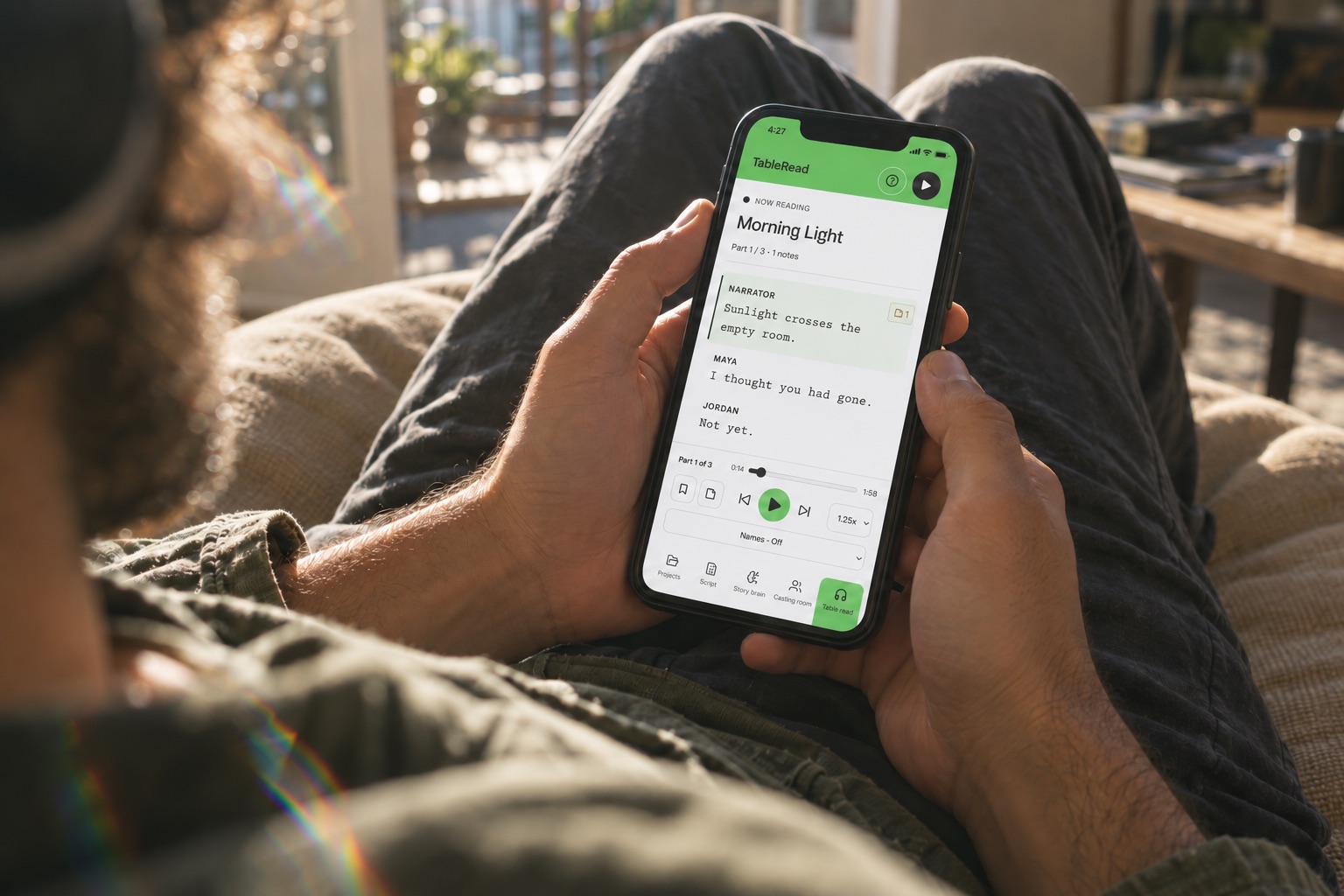
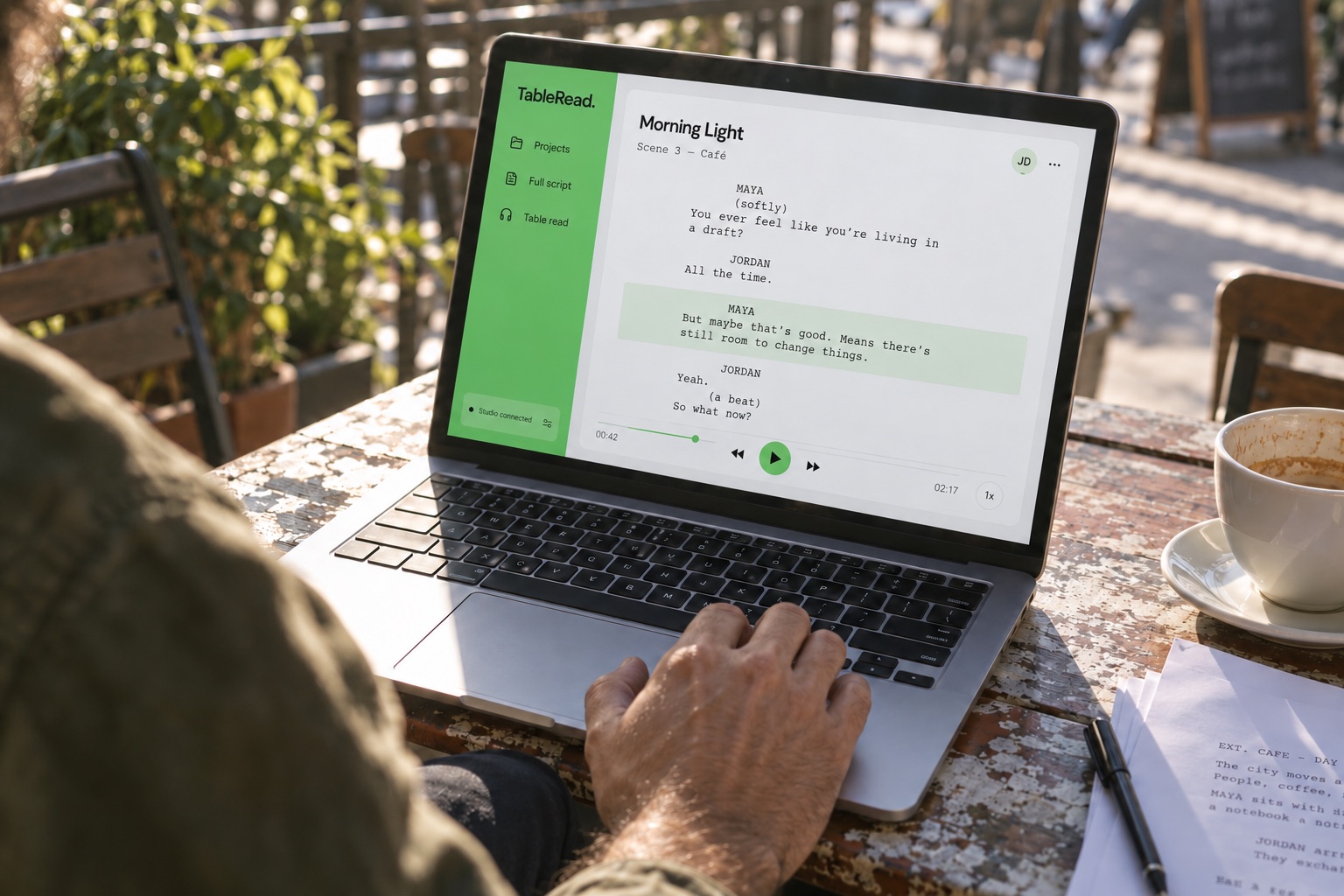
For writers and filmmakers who want to hear their drafts. Add a script, preview its voices and allowance, then listen.
Opens your email. Include your Google email address.
Invite-only beta. Audio generation uses a capped allowance.
GET STARTED
How to try it
- 01
Ask for an invite
Email us the Google address you want to use.
- 02
Wait for approval
We'll let you know when your account is invited.
- 03
Add a script and listen
Preview the voices and allowance, confirm generation, then press play.
WHAT IT DOES
Hear the story.
Catch the details.
Available in this beta
Keep scripts separate. Listen with distinct voices, change speed, and save notes and your place.
No surprise generation
See the allowance needed before you confirm. AI story analysis remains unavailable.
PRICING & ACCESS
By invitation,
for now.
PRIVATE BETA
No charge to invited testers
The beta owner covers audio within the shared limit. There is no public checkout. Paid pricing is not announced.
Email us for an invite ↗Include your Google email address.