AI VIDEO
WRECKAGE.SYS
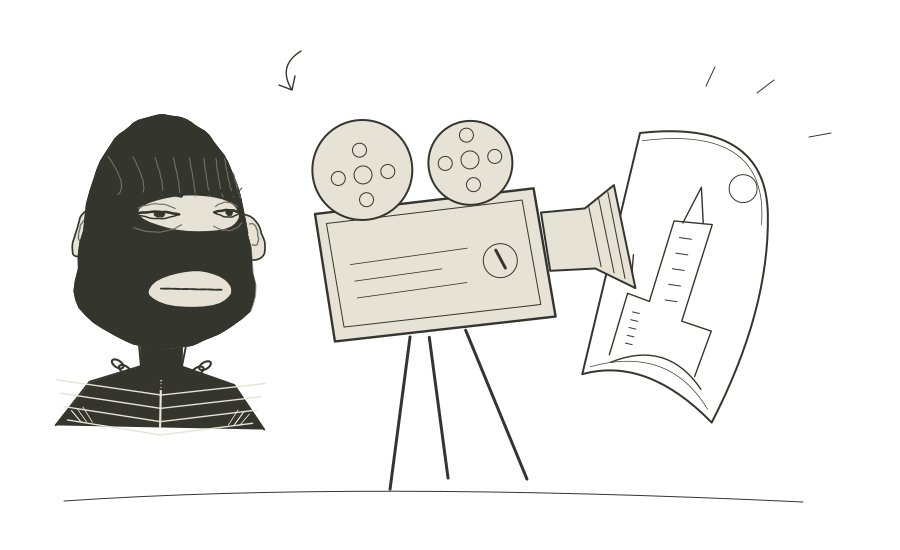
Build a shot around your image. Combine camera moves and world effects, then shape the action and intensity.
Open WRECKAGEOpens the Higgsfield edition in a new tab.
Who it is for
Creators planning an AI video shot from a still image.
Ways to use it
- Explore how a camera move changes the feel of the same starting image.
- Combine a camera move with a world effect, then adjust action and intensity for the shot.
Get started
- Open the Higgsfield edition of WRECKAGE.SYS.
- Start with your image and choose the camera moves and world effects.
- Shape the action and intensity for the shot you want to make.
Choose the right tool
WRECKAGE focuses on a shot around an image. For selecting a still viewpoint from a panorama, use Panoload. Check access and any generation charges in the app before running a job.